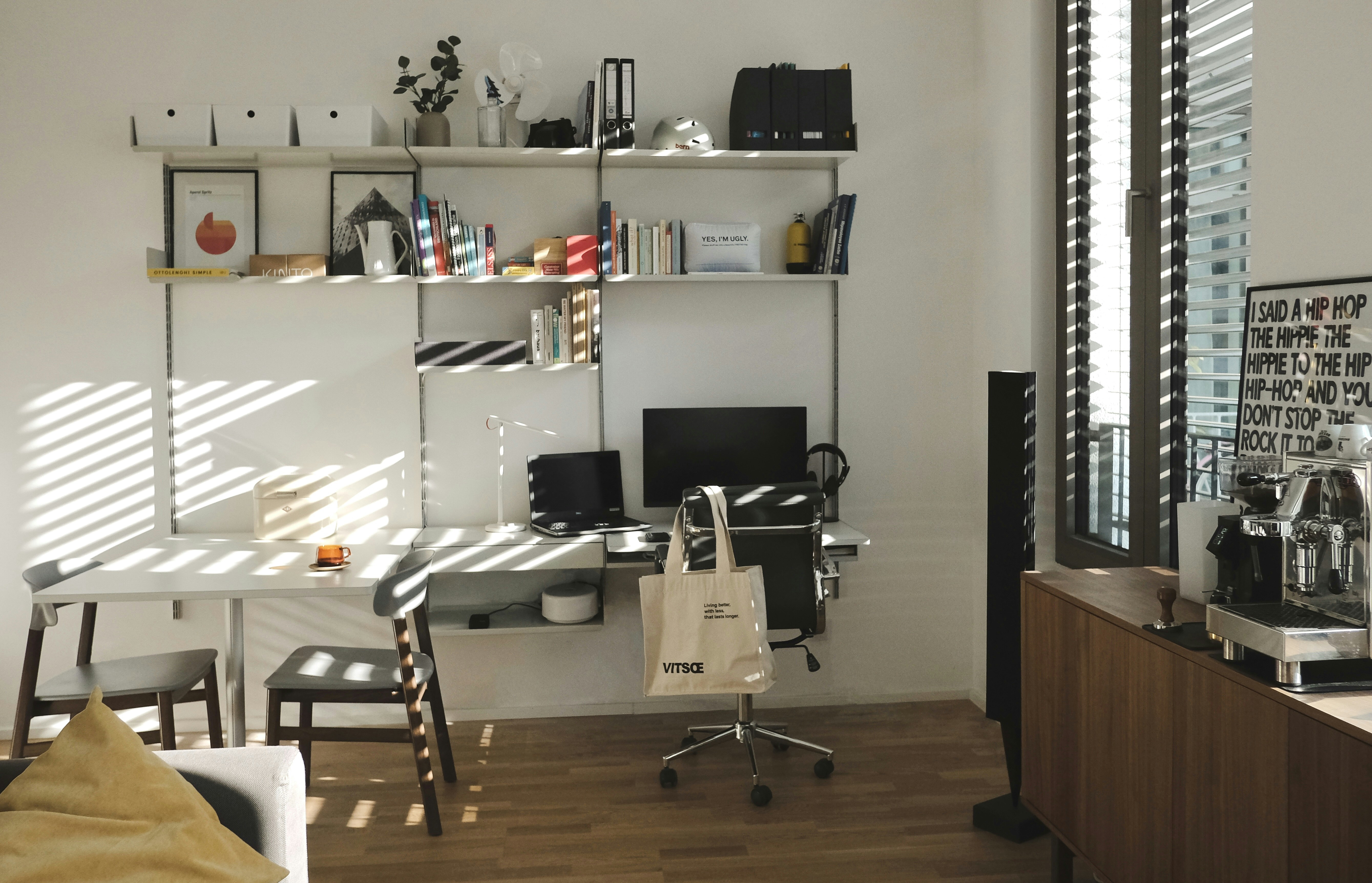
A well-arranged home office can make everyday work more comfortable and help you stay focused. Ergonomics is about fitting your workspace to your body and tasks—not forcing your body to adapt to an awkward setup. A few thoughtful adjustments to your chair, desk, screen, and routine can make a noticeable difference.
Choose and Adjust Your Chair
Start with a chair that supports your lower back. Sit with your back against the backrest, shoulders relaxed, and feet resting flat on the floor. Your knees should be roughly level with your hips. If the chair is too high, use a stable footrest or a firm stack of books; if it is too low, adjust the seat when possible. Keep enough space behind your knees to avoid pressure.
Position Your Desk and Screen
Place your monitor directly in front of you, about an arm’s length away. The top of the screen should be at or slightly below eye level, so you can look straight ahead without bending your neck. A laptop stand paired with a separate keyboard and mouse can help achieve this position. Keep frequently used items close by to limit repeated reaching.
Set your keyboard and mouse at a height that lets your elbows rest near your sides, bent at about a right angle. Keep your wrists straight while typing, rather than bent up or sideways. If you use a desk that is too high, raising your chair and adding a footrest may improve alignment.
Make Lighting Comfortable
Position your workspace to reduce glare on the screen. Natural light is useful, but a window directly behind or in front of your monitor can create reflections or strain. Add a desk lamp for focused tasks, and adjust its direction so it lights your work without shining into your eyes.
Build Movement into Your Day
Even a carefully arranged workspace cannot replace movement. Change positions regularly, stand or stretch between tasks, and take short breaks to rest your eyes. A timer can help you remember. Notice discomfort early and adjust your setup rather than working through persistent pain.
Check your workspace from time to time, especially if your tasks or equipment change. Small, practical adjustments can help create a more comfortable and sustainable home-working routine.