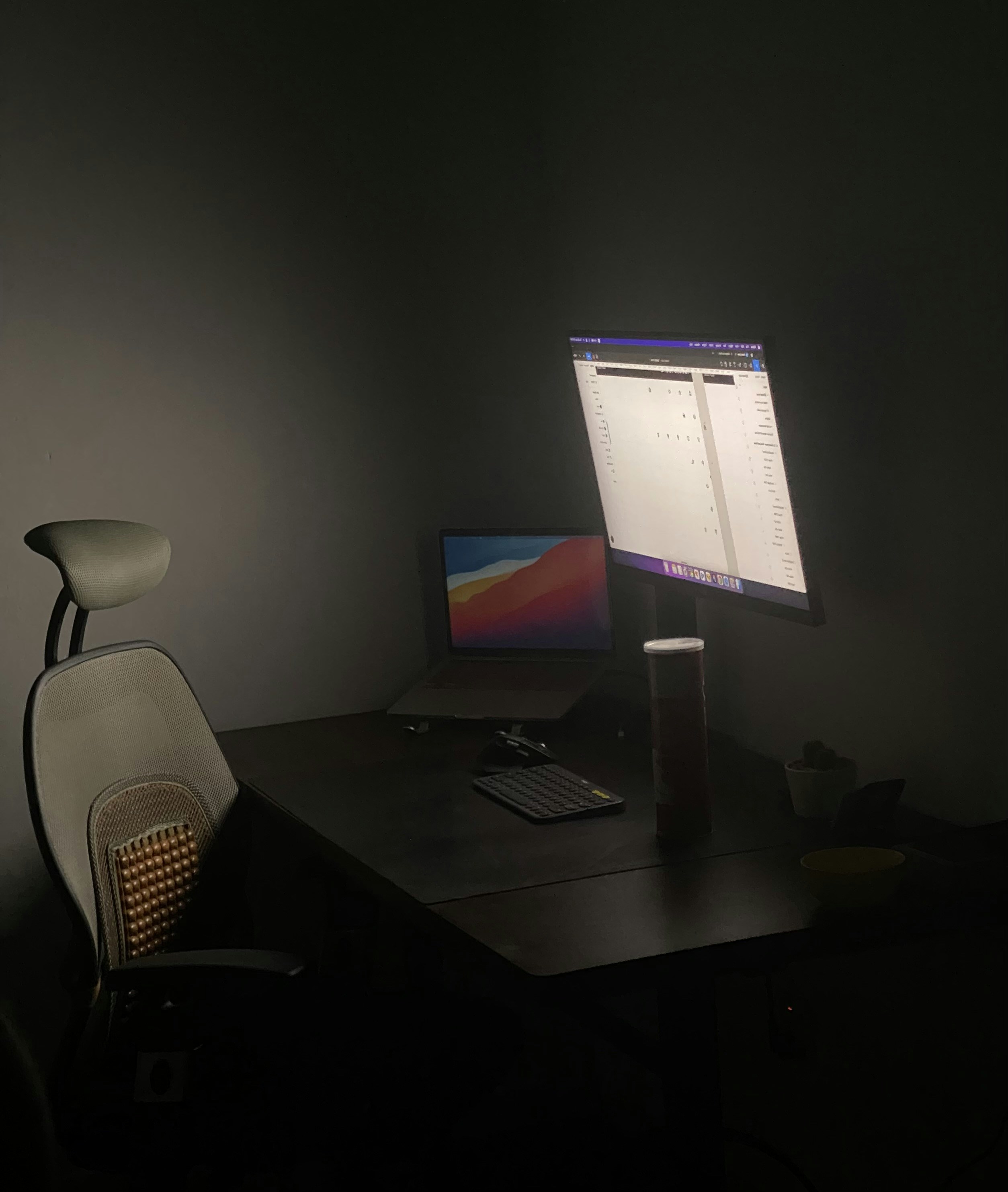
Remote work can change how the back is loaded throughout the day. Sitting for long stretches may leave muscles stiff and reduce opportunities to move, while repeatedly leaning toward a screen can add strain. A laptop placed too low or off to one side may encourage a rounded back, forward head position, or twisting. These habits do not affect everyone in the same way, but discomfort may become more noticeable when they continue for hours without a break.
The work setup can also contribute. A chair that does not support a comfortable position, a desk at an unsuitable height, or a screen that is difficult to see may lead to sustained reaching, slouching, or shoulder tension. Even a well-designed workstation cannot eliminate every source of back pain, and posture alone is not always the explanation. Pain may relate to activity, an injury, health conditions, stress, or other factors. It is therefore better to treat ergonomic changes as practical adjustments, not as a diagnosis or a guarantee of relief.
Pay attention to patterns rather than trying to identify a cause from one symptom. Note when discomfort starts, whether it follows a particular task or period of sitting, and what seems to ease or worsen it. Consider whether walking, changing position, rest, or other everyday activities make a difference. Also notice any symptoms that occur alongside the pain. New or worsening weakness, numbness, pain spreading down a leg, fever, or changes in bladder or bowel control warrant prompt medical advice; sudden severe symptoms require urgent care. If pain persists, interferes with normal activities, or concerns you, consult a qualified health professional. These observations can help guide a conversation about appropriate next steps without assuming the same cause or solution applies to everyone.
A supportive workstation can reduce avoidable strain during a long workday, though it cannot eliminate every cause of back discomfort. Start with the screen: position its top at or slightly below eye level, and place it about an arm’s length away. Adjust the distance so text is easy to read without leaning forward or tilting your head. If you work on a laptop for extended periods, use a separate keyboard and mouse when possible. This lets you raise the display while keeping your hands at a comfortable height. If separate equipment is unavailable, take regular breaks to change position.
A seated position should feel stable and relatively relaxed, rather than rigid. Sit back in the chair so the lower back is comfortably supported by the backrest; a small cushion or rolled towel can fill a gap if needed. Rest both feet on the floor, or use a footrest if they do not reach. Aim for knees to be near hip level, adjusting the chair height or adding support beneath the feet. Keep elbows relaxed close to the body, with forearms roughly level with the keyboard. Let shoulders drop naturally rather than hunching or reaching forward. Small shifts in position are useful.
Low-cost changes can make a setup more workable without buying a desk or chair. Place books under a monitor or laptop to raise the screen; ensure the arrangement is stable and does not obstruct ventilation. Move used items within easy reach, and rearrange furniture so the chair and desk allow you to sit at ease. A cushion may improve back support, while a footrest can be a secure box if it is stable. There is no single posture that suits everyone, and remaining perfectly still is not the goal. Treat these adjustments as starting points, then change them to suit your body and tasks.
Staying in one position for hours can make a home workday feel harder on the back. Rather than trying to maintain a rigid “perfect” posture all day, aim to change positions regularly. Sitting and standing both place demands on the body when held too long, so brief, comfortable movement can help break up long periods at a desk. The goal is not to follow a demanding exercise plan between tasks, but to make everyday movement a consistent part of the workday.
Try standing or taking a short walk between meetings, after completing a task, or whenever you notice you have been sitting for a while. A reminder on your phone or computer can prompt you to move if work makes it easy to lose track of time. When practical, take phone calls while walking or standing rather than remaining seated. If your workspace allows it, alternate between sitting and standing during the day; there is no need to stand continuously. Small, regular changes are often easier to sustain than occasional long breaks.
Gentle mobility can also fit into these pauses. An easy walk around the home, comfortable back or hip movements, or a mild hamstring stretch may help you feel less stiff. Keep movements within a comfortable range and avoid forcing a stretch or trying to push through discomfort. Stop an activity if it clearly worsens your symptoms, and choose an easier option instead. People experience back pain differently, so a movement that feels suitable for one person may not feel right for another.
If pain keeps returning or makes daily activities difficult, gradually building strength may be helpful, but progress should be comfortable and manageable. A clinician or physical therapist can assess your situation and offer personalized advice about suitable movement, strengthening, and workday adjustments. Their guidance may be especially useful if you are unsure which activities to try or how to modify them. In the meantime, frequent position changes and gentle, low-pressure movement can help make an otherwise sedentary day more varied.
Back discomfort often improves with gentle movement, regular breaks, and adjustments to a home workspace. However, pain that persists, worsens, repeatedly returns, or interferes with work and everyday activities deserves attention from a healthcare professional. Arrange a clinical discussion if sensible self-care changes have not helped, or if you are unsure what is causing the symptoms. You do not need to wait until pain becomes unbearable to ask for advice. A clinician can review your symptoms, medical history, and daily activities, assess possible causes, and recommend an individualized plan. That plan may include further evaluation, guided movement, or other appropriate treatment, depending on your circumstances.
Some symptoms require urgent medical care rather than continued self-management. Seek urgent help for new weakness or numbness in one or both legs, loss of bladder or bowel control, or numbness around the groin or the area that would touch a saddle. These signs can indicate a serious problem involving nerves and need prompt assessment. Fever alongside back pain, pain after a significant fall or other injury, and severe pain without a clear explanation are also reasons to seek urgent medical advice. If symptoms are rapidly changing or you feel seriously unwell, contact emergency services or your local urgent-care provider. Do not try to manage these warning signs by changing your chair or waiting for a routine break.
It can be tempting to attribute back pain to long hours at a laptop, a poor chair, or working from home. Those factors may contribute to discomfort, but they do not establish the cause, and they should not be a reason to postpone assessment when symptoms persist or raise concern. Describe when the pain began, what makes it better or worse, whether it travels into a leg, and how it affects sleep, movement, and work. Mention any associated symptoms and changes you have already tried. Clear information helps a healthcare professional decide what evaluation is appropriate and tailor practical next steps. Seek care based on the pattern and severity of your symptoms, rather than assuming the home-work setup explains everything.