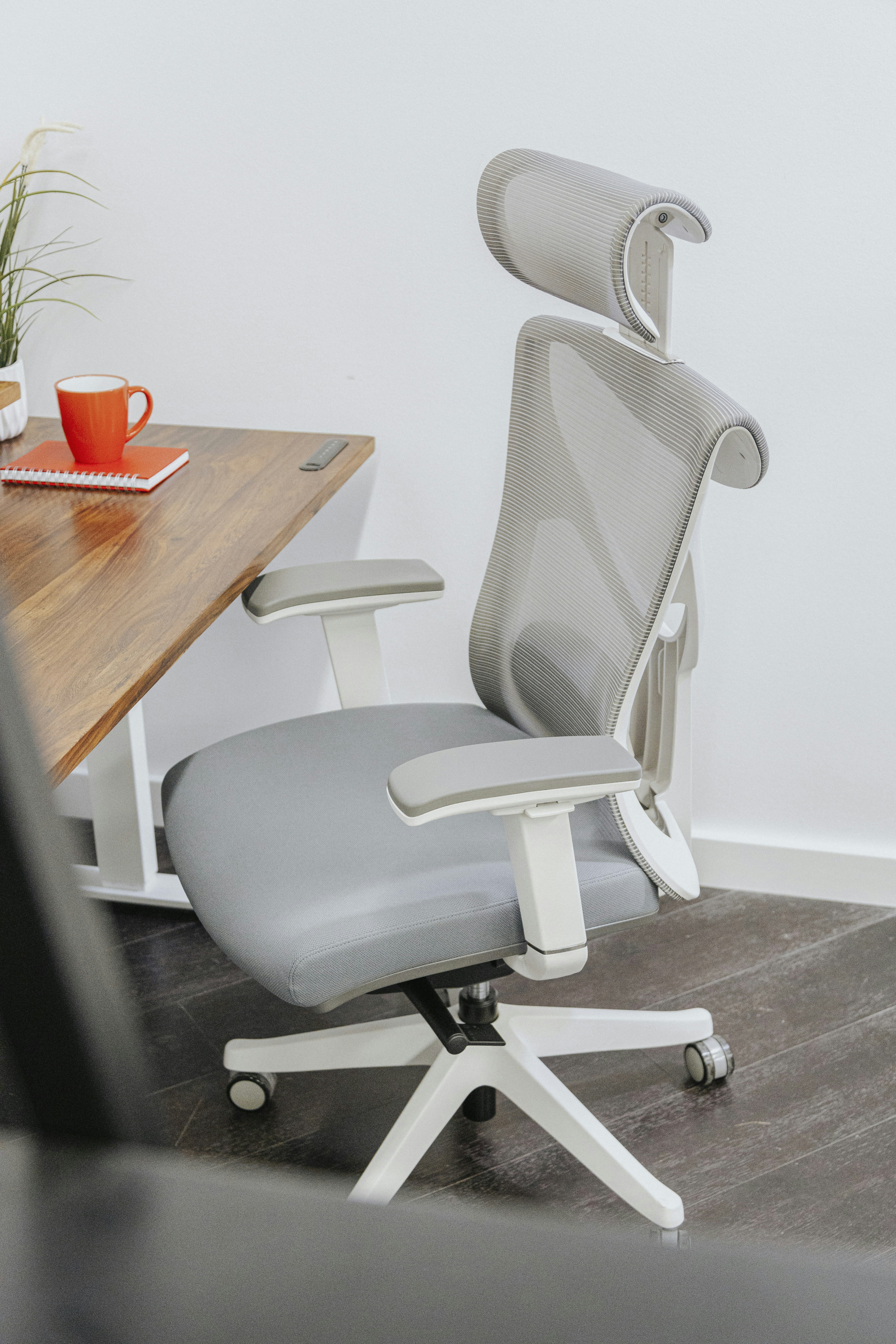
During prolonged sitting, the relationship between a person’s body and the chair can affect how comfortably the legs are supported. If a chair is too high, or a desk setup requires the seat to be raised, the feet may not rest flat on the floor. They may dangle, leaving the lower legs without a steady base. A seat that is too deep or poorly positioned can also press behind the thighs. This pressure may feel uncomfortable and make it harder to settle into a balanced sitting position over the workday.
Without foot support, people may compensate by tucking their feet beneath the chair, stretching their legs forward, or shifting their weight from side to side. These positions can encourage slouching or awkward angles at the hips and knees, particularly when held for long periods. A well-positioned office footrest gives the feet a stable surface and can reduce the need to search for support. Ideally, it lets the knees remain around hip level or slightly lower, while the ankles and legs feel at ease. The precise position depends on the individual and the chair; support should feel natural, not forced.
A footrest is an ergonomic aid, not a treatment for pain or a guarantee of perfect posture. It cannot correct every source of discomfort, and it should not replace adjusting the chair, desk, or screen position. The seat should support the back, allow comfortable movement, and avoid excessive pressure beneath the thighs. The screen should be positioned so the user does not need to lean forward or tilt the head for long periods. Adjusting the workstation as a whole is more useful than relying on one accessory. People differ in height, mobility, and comfort preferences, so there is no single ideal foot position. Aim for a relaxed, changeable posture rather than holding the body rigidly in a prescribed pose.
Office footrests generally fall into several designs, each supporting the legs differently and fitting distinct desk arrangements. The useful choice depends on posture needs, room beneath the desk, and whether the user prefers steady support or occasional movement. Comparing stability, adjustment, maintenance, and portability can narrow options without assuming a single style suits everyone.
A fixed-height platform offers straightforward, stable support, with few parts to operate and little setup. Its broad, solid surface can be easy to wipe clean, while a textured top and grippy base help limit slipping. However, it cannot adapt when users change chairs, footwear, or sitting positions, and a bulky base may reduce foot or leg clearance.
Adjustable models allow users to change platform height, angle, or both, making them useful when desk setups or preferred positions vary. Tilting designs can provide several foot angles without requiring users to move the entire unit. Check that adjustments are simple to reach and lock securely; mechanisms with many crevices may take more effort to clean, and some models need space to tilt.
Rocking footrests move as the feet shift, offering gentle motion during seated work. This can suit people who prefer active support over keeping their feet still. The movement should remain controlled, and the base should grip the floor rather than slide. Consider possible noise on hard flooring, especially in shared or quiet offices, and confirm the motion will not interfere with desk clearance.
Compact and portable designs are convenient for shared workspaces, travel, or desks with limited space. Lightweight models are easier to store, though smaller surfaces may provide less room for both feet and may move more readily. Under-desk hammocks attach to the desk and can be tucked away, but require suitable attachment points and enough legroom. Fabric may need laundering, and swinging can be distracting.
For simple, consistent support, a fixed platform may be sufficient. Users who regularly alter their sitting position may value adjustable options, while compact designs can help where equipment must be put away. Compare dimensions, floor grip, cleaning needs, and movement before choosing, and ensure the footrest fits comfortably beneath the desk.
Start by measuring the distance from the floor to the underside of your desk, then note your chair height and how your feet meet the floor when you sit. These measurements help you judge the platform height needed to support your legs without pushing your knees upward or leaving your feet unsupported. Consider your leg length and whether you usually work barefoot, in socks, or in shoes, since footwear can change the amount of lift that feels comfortable. Also check the space beneath your desk, including room to move your legs and slide the footrest aside when it is not needed.
Look for a footrest with a platform that suits your proportions and offers useful height adjustment. An adjustable angle can let you change ankle position during the day, but movement should feel controlled rather than loose. The surface should be wide and deep enough for both feet to rest comfortably, including when you shift position. A nonslip base helps keep the unit from sliding across the floor, while sturdy construction should support regular use without wobbling, creaking, or tipping. If possible, check product dimensions and weight limits rather than relying on photographs alone.
Material and maintenance matter in a shared or frequently used workspace. Smooth, durable surfaces are generally easier to wipe clean; textured coverings may offer grip but can collect dust or require more care. Consider whether the footrest stays in place as you reposition your feet, and whether its controls are simple to reach and operate. Product descriptions should state clear adjustment ranges so you can compare them with your measurements. When the fit is uncertain, a retailer’s trial period or return policy can reduce the risk of choosing poorly. A suitable model allows both feet to rest naturally, without forcing your knees, hips, or ankles into an awkward position. Comfort and stable support should guide the choice more than extra features or appearance.
Begin by adjusting your chair before positioning the footrest. Sit back so the chair supports your lower and upper back, and set the seat height so your feet can rest flat on the floor. If your feet do not reach comfortably, use a footrest rather than letting them dangle. Keep your shoulders relaxed and allow your elbows to rest near desk height. Make small chair adjustments first; a footrest should complement a supportive sitting position, not compensate for a chair that is set too high or poorly adjusted.
Place the footrest directly beneath the desk, close enough that you can use it without stretching your legs forward. Set both feet securely on its surface, with your weight distributed comfortably. Adjust the platform’s height or tilt until your legs feel supported and your knees remain in a relaxed position. Avoid an edge pressing into the backs of your knees, since sustained pressure may become uncomfortable. If the footrest moves or rocks unexpectedly, reposition it on a stable surface or choose a more secure setting before continuing to work.
Once the setup feels comfortable, treat it as a starting point rather than a posture to hold all day. Reposition your feet occasionally, make light movements, and stand or walk at regular intervals. Notice how your body responds during ordinary tasks, including typing and reaching for items. Numbness, pressure, unstable footing, or increasing discomfort can indicate that the chair, platform, or foot placement needs adjustment. Change one setting at a time and reassess how it feels. If discomfort persists, or a medical condition affects your seating needs, seek individualized advice from a qualified health professional. An office footrest can support comfortable sitting, but regular movement and a well-adjusted workstation remain important parts of an overall approach to posture and comfort.