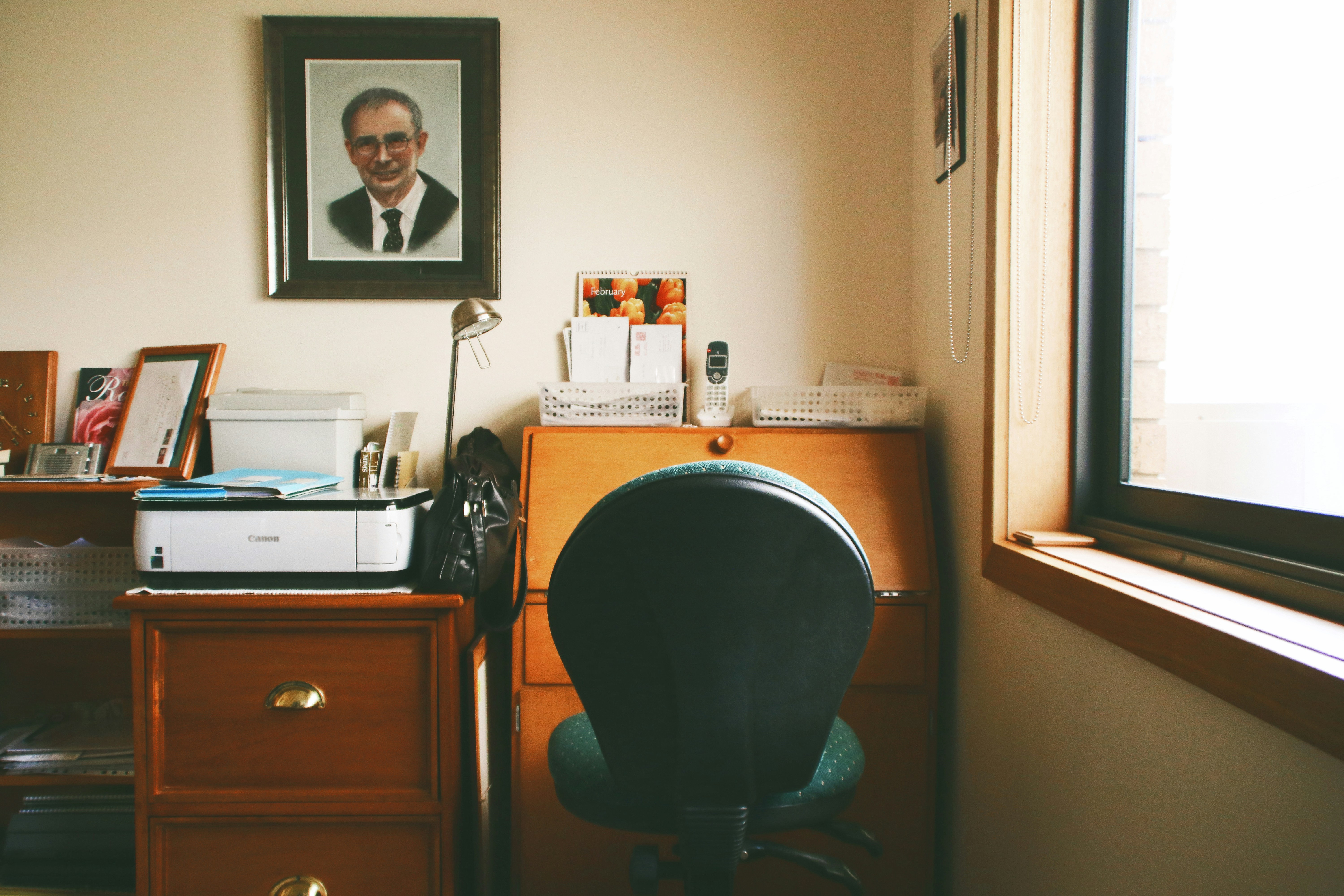
A desk should be sized around the work it needs to support, not selected on appearance alone. A slim surface may suit a minimalist room, but it can quickly feel cramped if daily tasks involve typing, reviewing documents, or switching between several screens. Before shopping, consider how you work through a typical day and which items need to remain within reach. The right dimensions provide usable space without overwhelming the room.
For a laptop-only setup, allow room for the computer, a comfortable typing position, and a mouse if you use one. A separate keyboard and mouse require additional depth and width, particularly when the laptop sits on a stand. A monitor also needs space for its base or arm, while the keyboard should be positioned so your arms can rest naturally. If you regularly handle paperwork, add an area for pages, notebooks, and writing tools rather than expecting to move these items aside each time.
Accessories also affect the footprint. A desk lamp needs a stable spot that does not obstruct the screen, and a headset, speakers, or charging station may occupy space or require convenient cable access. A laptop station can work on a compact desk, whereas a dual-monitor workstation generally calls for a broader surface and enough depth to position the screens at a comfortable viewing distance. More room can keep equipment from crowding one another, reduce visual clutter, and make it easier to maintain a relaxed posture. However, a larger desk is useful only if the room can accommodate it while leaving space to move.
Make a list of the items you use each day, including anything you want to keep permanently on the desk. Measure the width and depth of each item, then sketch their arrangement or mark the combined footprint on a table. Include space for movement, not just the equipment’s exact dimensions. This simple check helps identify a realistic desk size before purchase and reduces the risk of choosing a surface that looks appealing but does not support your routine.
Desk dimensions are best treated as starting points rather than fixed rules. The right size depends on the tasks you perform, the equipment you use, the room available, and your body size. Measure the intended location before choosing a desk, and consider both the usable surface and the space needed to sit, move, and open nearby doors or drawers.
A compact desk about 36–48 inches wide can work well for laptop-based tasks and small rooms. This range may provide enough space for a laptop, mouse, and a few everyday items, although the surface can feel crowded if you add paperwork or other equipment. A width of roughly 48–60 inches often accommodates a monitor, keyboard, and modest amount of paperwork, making it a practical option for many home offices.
For multiple displays, larger peripherals, or more extensive work materials, consider a desk at least 60 inches wide. Extra width can help separate work zones and keep frequently used items within reach without stacking them. However, a larger desk is not automatically more comfortable; its placement should still leave adequate clearance in the room and allow you to maintain a relaxed sitting posture.
Depth is equally important. Compact arrangements commonly use surfaces around 20–24 inches deep. This may be sufficient for a laptop or a monitor with a small base, but a shallow surface can leave little room for a keyboard, mouse, and documents. A depth of about 24–30 inches generally offers more flexibility, including added workspace and room to position a monitor farther away.
When comparing sizes, plan around the screen’s suitable viewing distance and the full footprint of its stand or arm. Leave space in front of the display for input devices, and check that your arms can rest comfortably while typing. If possible, mark the proposed width and depth on the floor or temporarily arrange equipment on a similar-sized surface. This simple test can reveal whether the desk supports your setup without making the room feel cramped.
Begin by measuring the available floor area, noting the room’s width and depth as well as the position of doors, windows, radiators, and outlets. Compare these measurements with the desk’s full footprint, including any side cabinets or supports that extend beyond the work surface. Leave space for the chair to move, for the user to sit down and stand up, and for clear walking routes through the room. Account for nearby storage, too: drawers and cupboard doors need enough room to open fully without hitting the desk or chair.
Before purchasing, mark the proposed desk dimensions on the floor with painter’s tape. Add a rough outline for the chair and test the arrangement by sitting down, rolling back, and getting in and out as you normally would. Check that the chair does not block a doorway or make a frequently used route awkward. When possible, leave clearance behind the seated user so the chair can move without scraping a wall or obstructing another person. Consider the space needed to pull out drawers and reach shelves while seated, rather than measuring only the desk surface.
Corner layouts can make use of otherwise difficult areas, while compact or narrow desks may suit small rooms and shared spaces. Measure both walls before choosing a corner desk, and confirm that its shape leaves enough room for the chair and for access to storage. A smaller footprint can improve circulation, but avoid reducing legroom to the point that the user cannot sit comfortably or change position. Finally, check that the desk height works with the chair: the user should be able to sit with relaxed shoulders, supported feet, and elbows near a comfortable working angle. Adjust the chair or consider a different desk if the fit encourages slouching, raised shoulders, or cramped knees. A taped layout and a brief seating test can reveal problems before furniture is moved in.
Start by listing everything you use during a typical workday: laptop or monitors, keyboard, mouse, paperwork, notebooks, lighting, and any accessories that need to stay on the desk. Note which items must be within easy reach and which can be stored elsewhere. This inventory helps distinguish the surface area you genuinely need from space that would simply make the desk larger. If your work changes from day to day, include occasional tasks such as spreading out documents or using a printer.
Next, measure the room and mark the desk’s planned footprint, including its full width and depth. Leave space for the chair to move back, your legs to sit comfortably, and people to pass through the room. Check nearby doors, drawers, windows, and storage units so the desk will not obstruct them. Then compare the available footprint with your equipment layout. A small laptop workspace might suit a desk around 36–48 inches wide and 20–24 inches deep. A standard monitor with space for paperwork may call for roughly 48–60 inches of width and 24–30 inches of depth. A dual-monitor station could need 60 inches or more in width, depending on screen size and accessories. These are starting examples, not fixed requirements.
Before buying, verify the manufacturer’s actual dimensions and examine the desk’s shape, legs, crossbars, drawers, and other supports. A desktop may have a curved front or a narrower usable area than its overall measurements suggest, while supports can limit where a chair or storage fits. Confirm that the height works with your chair and allows comfortable legroom. Finally, consider whether your equipment or tasks may grow, but avoid choosing the largest desk that can physically fit. Prioritize enough usable surface for your routine, comfortable reach, and appropriate ergonomic fit. A carefully measured desk can support focused work without crowding the room or encouraging unnecessary stretching.