A practical home office begins with the work you need to do, not with a coordinated desk, chair, and accessories. Before shopping, consider the tasks that fill a typical day: video calls, writing, design work, bookkeeping, research, or handling physical documents. The demands of your role determine which equipment matters and which purchases can wait. A setup that supports frequent calls, for example, may need a dependable headset and clear lighting, while someone working with detailed visuals may benefit more from a suitable monitor.
Write down the essentials required to complete your work reliably. For many people, that list includes a computer, a stable surface at a useful height, a comfortable place to sit, and lighting that makes reading and screen work easier. Add role-specific tools, such as a printer, drawing tablet, second monitor, or secure storage, only when your regular tasks call for them. Separate true necessities from nice-to-haves by asking whether an item solves a recurring problem or simply makes the workspace look more complete. This distinction helps prevent small optional purchases from consuming the budget intended for core equipment.
Next, take inventory of what you already own. A dining table, spare lamp, household chair, or storage box may serve adequately while you establish your routine. Try these items before replacing them, and note any discomfort, instability, or practical limitation that affects your work. Set a total spending limit before making purchases, then rank potential upgrades by their effect on comfort, productivity, and reliability. Address issues that interfere with daily work first, such as poor lighting or an unreliable keyboard, rather than buying decorative accessories. If funds are limited, improve the setup in stages and reassess after several weeks of use. This task-first approach makes it easier to create a functional workspace without paying for a complete matching set or equipment you rarely use.
A functional home office does not require an expensive desk. Start by measuring the available space, including room to pull out a chair and move comfortably. A simple table can serve as a desk if it is stable, deep enough for your equipment, and positioned so cables do not become a hazard. Secondhand desks and tables can also offer good value, but inspect them carefully before buying. Check for wobbling, damaged edges, loose joints, and drawers or shelves that interfere with your legs.
Choose a surface that provides enough room for the work you do. A laptop user may need less space than someone using a large monitor, keyboard, and paperwork. If the room is small, consider a compact desk, a narrow console, or a sturdy wall-mounted surface, provided it leaves adequate space for your arms and equipment. Storage can help keep the work area clear, but it should not come at the cost of legroom. Measure both the furniture and the intended location, and check that doors, windows, and walkways remain accessible.
A supportive chair is often a worthwhile priority because discomfort can build during long workdays. Look for a chair that lets you sit with your back supported and your feet resting securely. If you already own a suitable chair, adjustments may be enough: use a cushion for added support or a footrest if your feet do not reach the floor. Keep your shoulders relaxed, elbows near desk height, and feet supported. Position the screen at a comfortable viewing level so you can look ahead without repeatedly bending your neck.
When shopping secondhand, test furniture in person whenever possible. Sit in the chair, adjust its height and back support, and spend a few minutes checking how it feels. Confirm that the desk does not shake when you type and that the chair fits beneath it. Avoid purchases that feel uncomfortable, cannot be adjusted to your needs, or require repairs that erase the savings. A modest, well-fitting setup is more useful than an attractive bargain that makes daily work difficult.
A functional home office does not require a long list of expensive equipment. Start with a dependable computer that can run the software your work requires, along with a stable internet connection. Before purchasing anything, identify the tasks you handle regularly and the tools needed to complete them comfortably. A headset may help with frequent calls, while a separate keyboard or mouse can make extended computer use easier. Choose peripherals that address an ongoing need rather than buying accessories simply because they are commonly recommended.
Lighting can improve comfort without adding much to your budget. Position your desk near a window when possible to make use of natural light, but arrange the screen so sunlight does not shine directly onto it or create distracting reflections. If daylight is limited, a basic desk lamp can provide focused illumination. Aim the light at your work surface rather than toward your eyes or screen, and adjust its position to reduce glare. Balanced lighting may help limit eye strain during long work sessions.
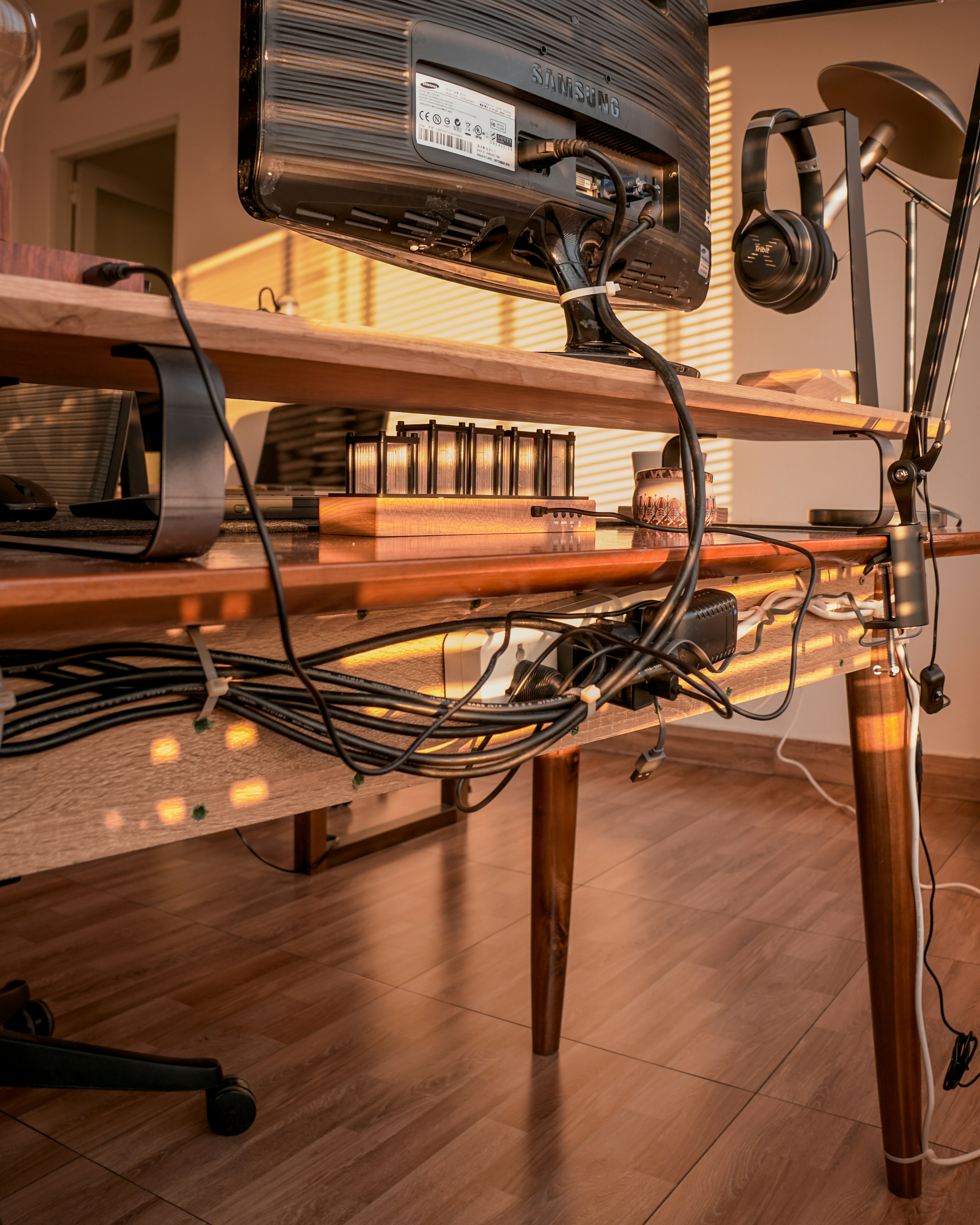
Organization can also be inexpensive. Reuse sturdy boxes to group supplies, clean jars to hold pens or small tools, and drawer dividers to keep frequently used items within reach. A small shelf can provide vertical storage without taking up much desk space. Keep only essential items on the work surface, and use simple cable management—such as reusable ties or clips—to prevent cords from tangling or becoming a tripping hazard. These small changes can make a modest workspace feel more orderly and easier to maintain.
When considering a purchase, ask whether the item will solve a recurring problem, and check that it is compatible with your computer and existing equipment. Compare new products with refurbished or secondhand alternatives, which may offer useful savings. Review the seller’s warranty, return policy, and condition details before committing. A low price is less valuable if an item cannot be returned or does not perform reliably. By choosing essentials carefully and adding equipment gradually, you can build a practical office while keeping upfront costs under control.
Start with the minimum setup you can assemble from items already available: a stable table or desk, a supportive chair, adequate lighting, and a place to keep essential supplies. Arrange them to create a clear work surface and test the arrangement for several workdays before buying anything. This trial period reveals whether your real needs involve screen height, back support, task lighting, noise control, or storage. Write down recurring discomforts and workflow interruptions rather than assuming that a polished office requires a full set of matching furniture. A modest temporary workspace is a useful way to identify priorities without overspending.
Once you know which problems actually affect your day, spend selectively and address the most important first. A chair that offers suitable support may matter more than a new desk, while a monitor riser can sometimes be improvised safely from sturdy materials you already own. Look for secondhand options through local resale groups, thrift stores, office clearances, and refurbished retailers. Before purchasing, inspect for wobbling frames, damaged upholstery, sticky adjustments, or missing parts. Confirm the item’s dimensions against your room and doorways, and check return policies and delivery costs; a low sticker price can conceal extra expense.
Avoid budget traps such as decorative accessories bought before essentials, gadgets that duplicate tools, and bargain chairs that lack adjustable support. Cheap equipment is not a saving if it causes discomfort or must be replaced quickly. Before each purchase, ask whether it solves a problem and fits your routine. Review your setup with a checklist: Is the seating comfortable through a work session? Is the light bright enough without glare? Can you limit distracting noise? Are used items stored within reach? Can you complete tasks without repeated rearranging or interruptions? A modest, well-chosen workspace can support comfort and productivity more effectively than an expensive office.